Track hours, calculate wages, and know who has been paid
Stop tracking stylist hours on paper
Stylists, estheticians, and front-desk staff clock in from their own phones between appointments. Hours and pay calculate automatically — no more sign-in sheets taped to the mirror.
- No hardware or time clocks needed
- No credit card required
- Cancel anytime with one click
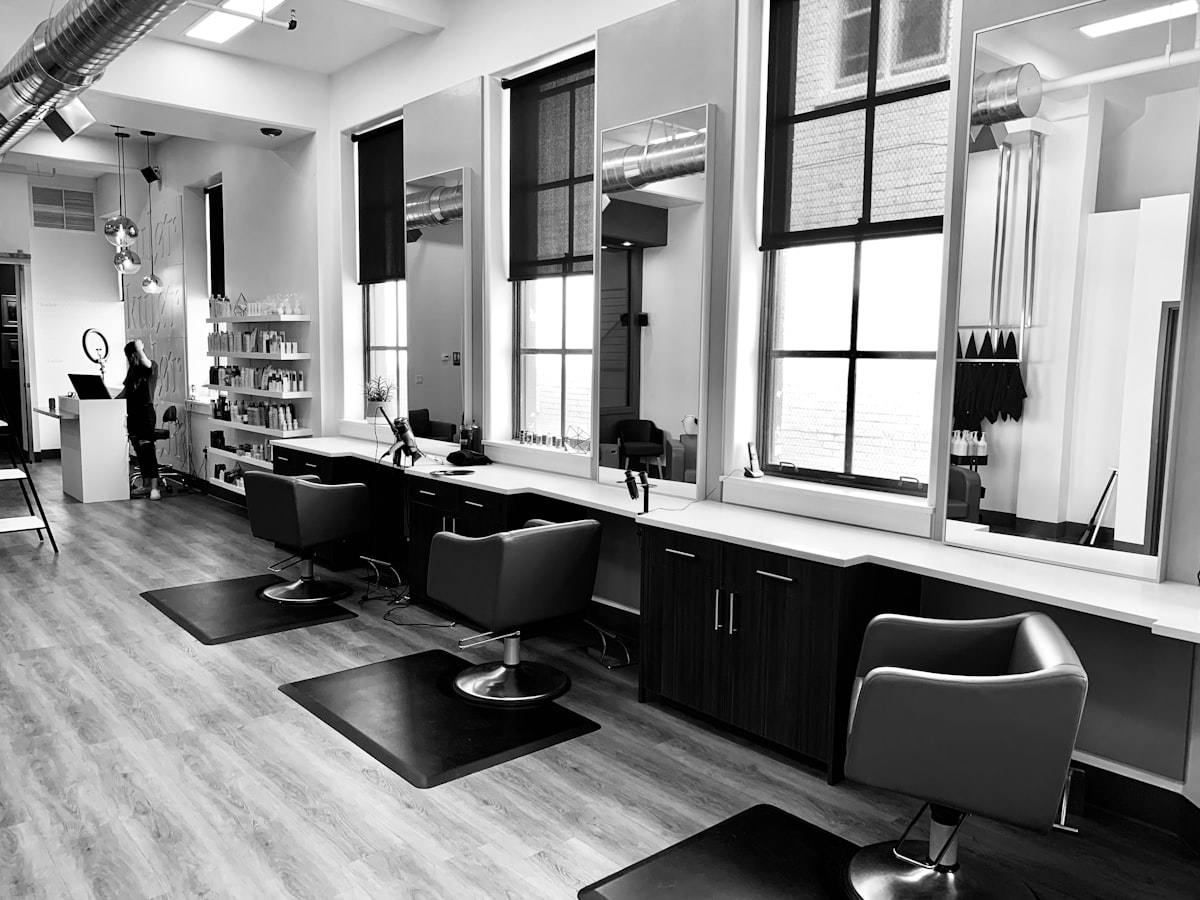
Why this matters for salons & spas
Popular with teams like yours
One stylist, two roles, plus tips
A stylist also covers the front desk. With roles switched on, each shift is paid at the rate for the role they clocked in as, and tips are added to the same pay period.
| Item | Calculation | Amount |
|---|---|---|
| Stylist hours | 24 h × $20 | $480.00 |
| Front desk hours | 8 h × $14 | $112.00 |
| Tips added by the owner | Added as a tip, with a note | $85.00 |
| Total for the pay period | $480.00 + $112.00 + $85.00 | $677.00 |
Three steps. No spreadsheets.
Workers clock in
Each worker gets a free login and clocks in and out from their own phone, or at a shared tablet kiosk with their PIN. Or skip that and log hours for them yourself. No hardware to buy.


Hours & pay calculate automatically
Hourvy subtracts breaks, applies your overtime rules, adds tips and bonuses, and shows exactly what each worker is owed.


You mark it paid
Pay however you already do (cash, transfer, check or your payroll provider), then log it so balances stay accurate. Export to Gusto, QuickBooks, Xero or ADP in one click.


Simple enough for anyone to use — no training required.
$1 per active seat / month
Each worker, each manager and you are one seat. No base fee, no per-location fee, every feature included. 30-day free trial, no card.
Founding rate, locked in for life.
Time tracking for Salons & Spas: questions
Can a stylist who also covers the front desk be paid two rates?
Yes. Switch on Roles & pay rates and create roles such as Stylist and Front desk, each with a default hourly rate. You can give a stylist their own rate for any role. When they clock in they pick the role, and that shift is paid at that rate.
How do I add tips a client left for one stylist?
While the pay period is a draft, open Tips, bonuses & deductions under that stylist, choose Tips, enter the amount and an optional note, and click Add. The stylist sees the tip and its note on their Pay screen. For a shared tip jar, use Split pooled tips to divide it by hours worked.
What if a stylist forgets to clock out?
If the stylist has a work schedule, Hourvy emails them a reminder. You can also set a maximum shift length so forgotten shifts close automatically and are labeled Auto-closed. Stylists can ask you to fix a time log from their phone, or you can edit it yourself with a note that's kept in your Activity Log.
Can staff confirm their hours before payday?
Yes. With timesheet sign-off on, everyone who can log in is emailed to confirm their hours when you generate payroll. They tap Confirm, or Something's wrong and explain, and the Payroll screen shows who has confirmed.
Do stylists need to download an app?
No. Hourvy works in any phone's web browser and can be added to the home screen. You can also set up a tablet at the front desk as a kiosk where staff clock in with their name and PIN.
Is there really no monthly base fee or minimum charge?
Zero base fees, zero minimums. You pay only for active seats: each worker, each manager and you, the owner. A team of 4 workers plus you is 5 seats, so $5 a month. No setup, admin or cancellation fees.
What counts as a seat for billing?
A seat is every active person on your account: each active worker, each manager and the owner. You're billed for the most seats you had during the month, so someone active for 1 day or all 30 costs the same flat seat price for that month. It's based on their active status, not how many shifts they logged.
What happens when my 30-day free trial ends?
Because we don't ask for a credit card to start your trial, you'll never be charged automatically. Near the end of your 30 days we'll remind you to add a payment method if you want to keep using Hourvy. If you decide it's not for you, your account simply pauses. No cancellation calls needed.